README
FUXA
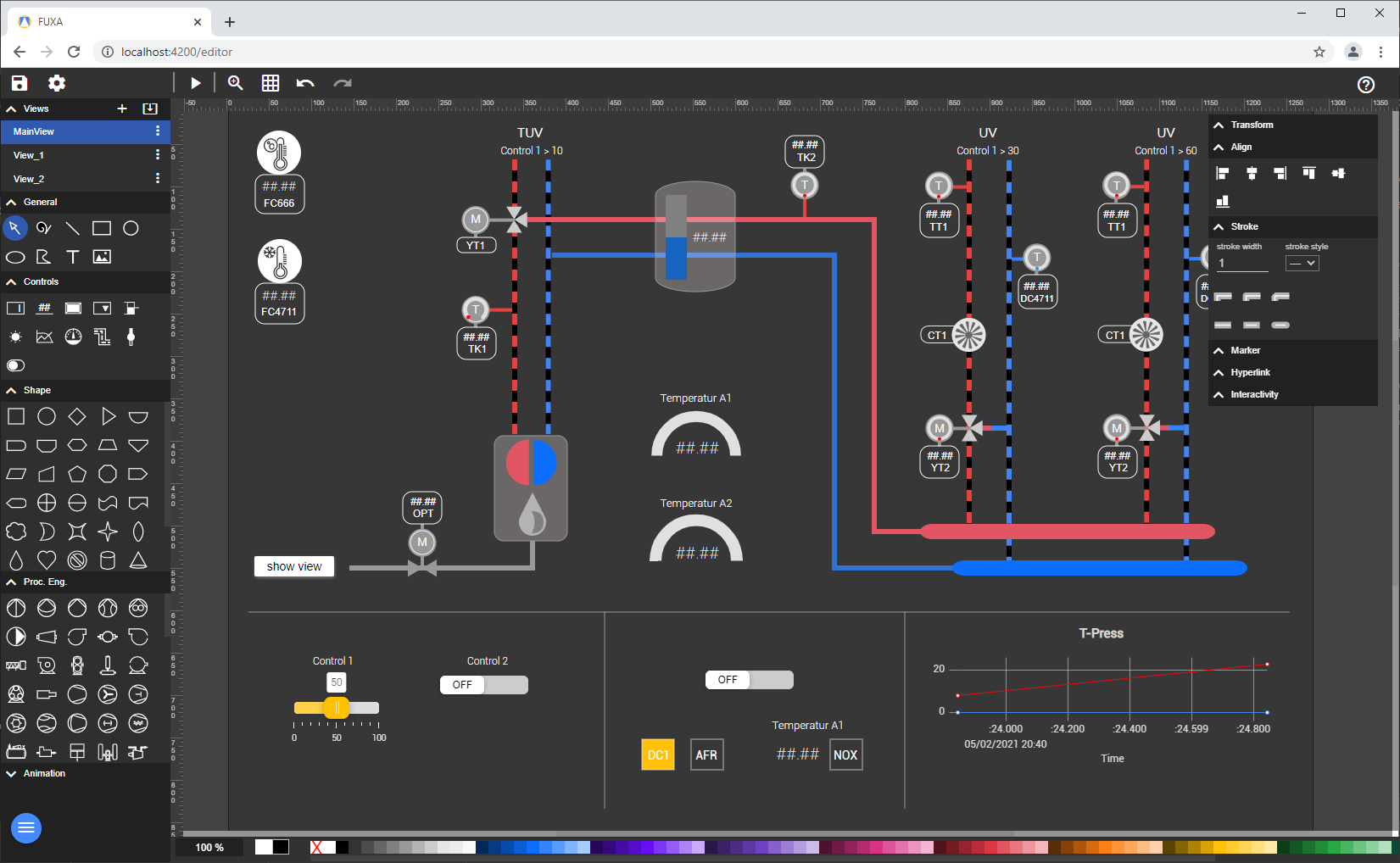
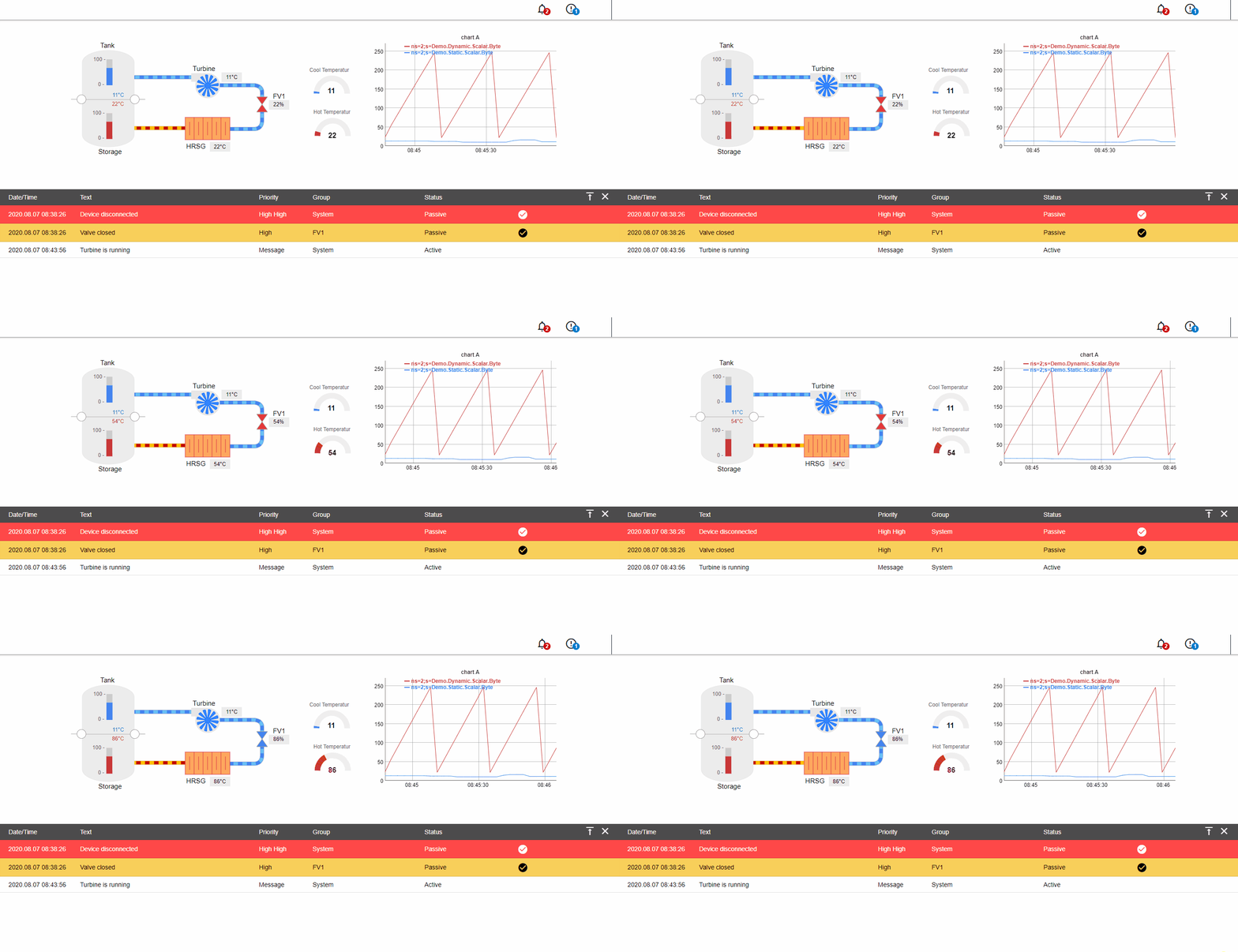
FUXA is a web-based Process Visualization (SCADA/HMI/Dashboard) software. With FUXA you can create modern process visualizations with individual designs for your machines and real-time data display.
Features
- Devices connectivity with Modbus RTU/TCP, Siemens S7 Protocol, OPC-UA, BACnet IP, MQTT, RESTapi, Ethernet/IP (Allen Bradley)
- SCADA/HMI Web-Editor - Engineering and Design completely web-based
- Cross-Platform Full-Stack - Backend with NodeJs and Frontend with Web technologies (HTML5, CSS, Javascript, Angular, SVG)
Live Demo
Here is a live demo example of FUXA editor.
Installing and Running
FUXA is developed with NodeJS (backend) and Angular (frontend).
You need to have installed Node (Version 10, 12 or 14) and NPM (Version >= 6.11 and < 7.xx).
Install from NPM (first option)
npm install -g --unsafe-perm @frangoteam/fuxa
fuxa
Or Download the latest release and unpack it (second option)
cd ./server
npm install
npm start
Open up a browser (better Chrome) and navigate to http://localhost:1881
Usage
Look the guide in wiki pages
To Debug (Full Stack)
Install and start to serve the frontend
cd ./client
npm install
npm start
Start the Server and Client (Browser) in Debug Mode
In vscode: Debug ‘Server & Client’
To Build
Build the frontend for production
cd ./client
ng build --prod
Test
Tested with:
- Ubuntu 16.04 LTS, nodejs version 10.22.0, npm version 6.14.6
- Windows 10, nodejs version 10.8.0, npm version 6.2.0
- Raspberry PI (Raspbian 2018-11-13, Kernel 4.14), nodejs version 10.15.3, npm version 6.4.1
Contributing
Any contributions you make are greatly appreciated. If you identify any errors, or have an idea for an improvement, please open an issue.
Let us know!
We’d be really happy if you send us your own shapes in order to collect a library to share it with others. Just send an email to 4frango@gmail.com and do let us know if you have any questions or suggestions regarding our work.
License
MIT.